
Mandatory delegation
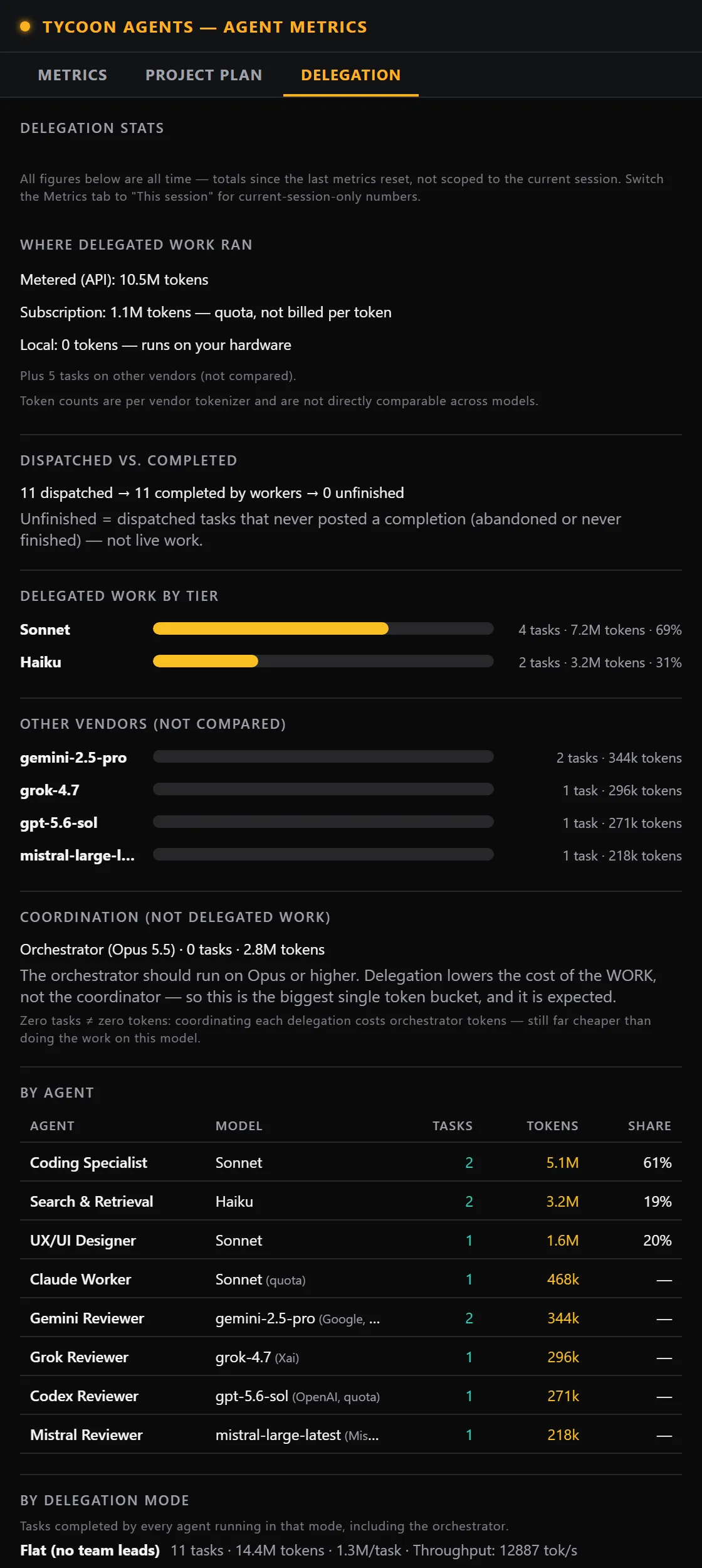
Work is handed to specialist sub-agents instead of being done by the orchestrator.

Tools
An AI build harness for Claude Code that routes work to specialist sub-agents on cost-appropriate models, with a live game-style view of your agent fleet.
Features
Work is handed to specialist sub-agents instead of being done by the orchestrator.
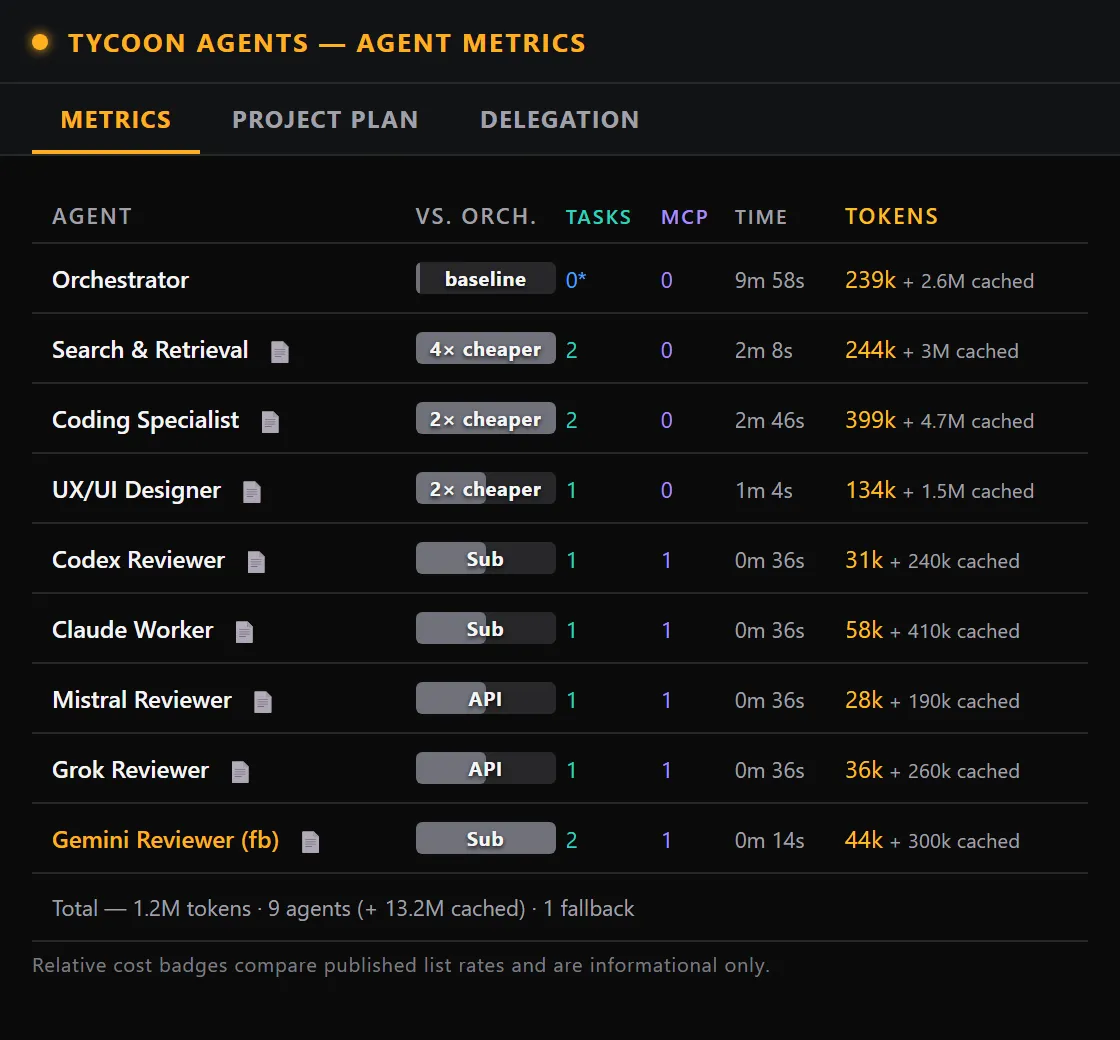
Each agent runs on a cost-appropriate model, with a per-agent fallback chain.
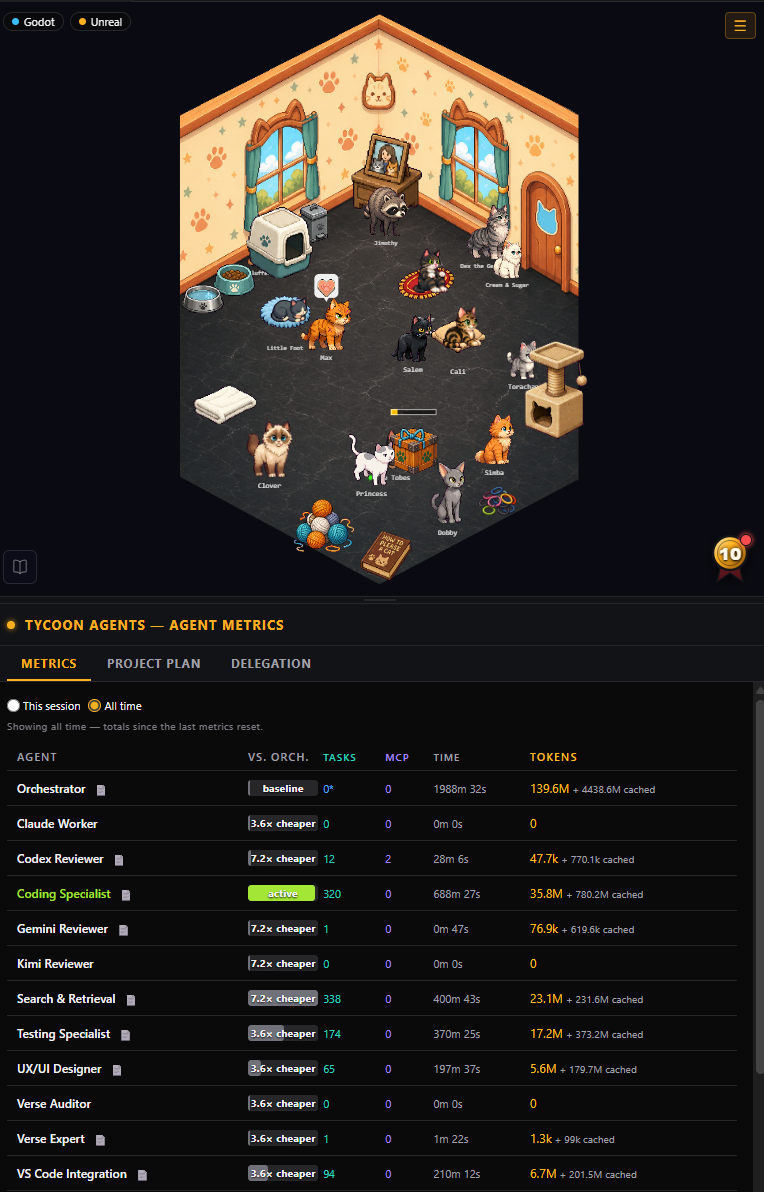
See what each agent in your fleet costs in tokens.
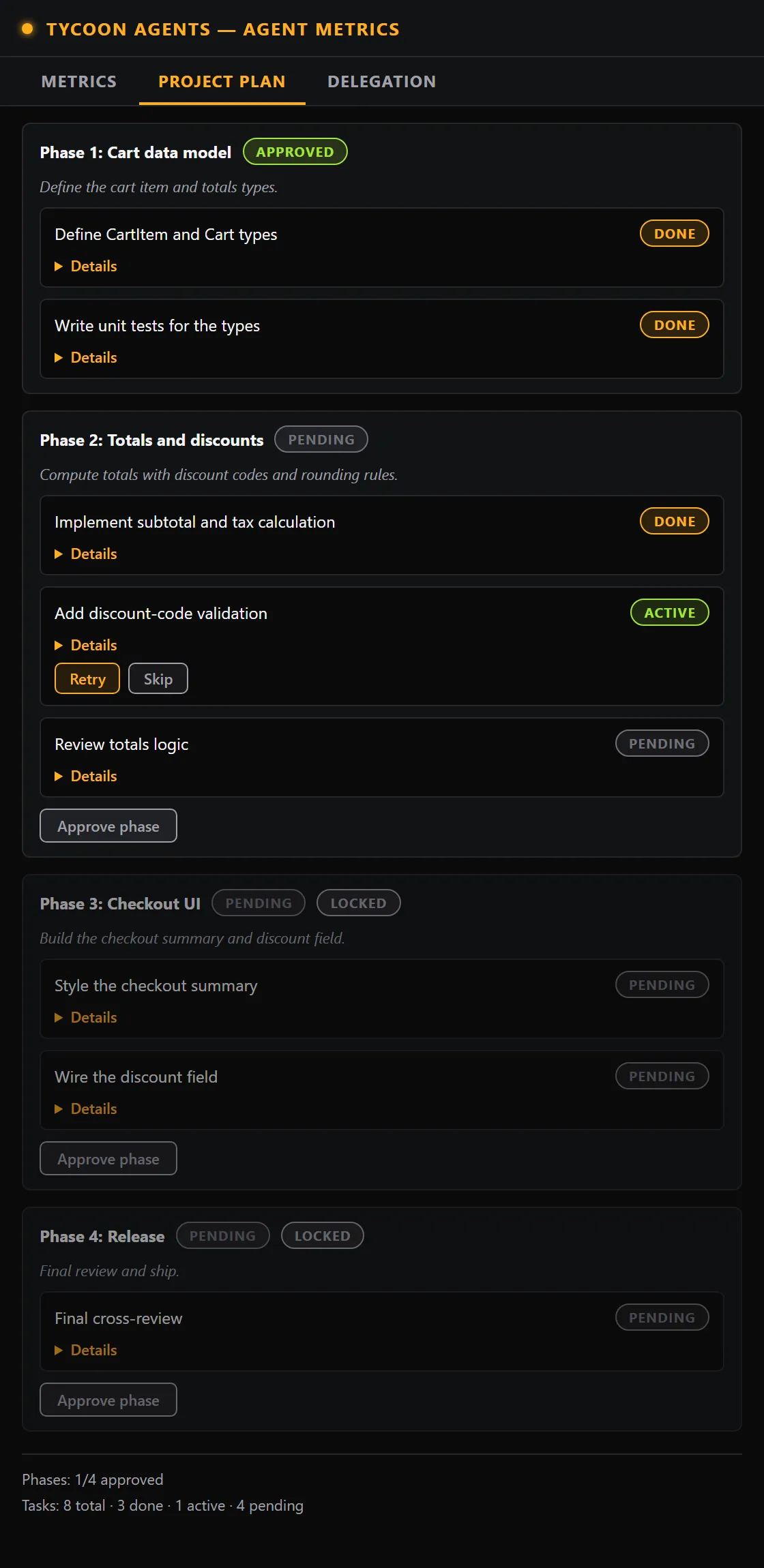
Large work is broken into phases, with phase-gate approvals before it moves on.
Build your own look for the agent view, or import a theme pack.
Screenshots

Install
VS Code extension. Download the .vsix fromGitHub Releases, then install it in VS Code with “Extensions: Install from VSIX…”.
Standalone Node app. From your project folder, run:
node standalone/src/cli.mjs watch .Works with Claude Code. Codex support is experimental.
Themes
Importable theme packs live in a separate repository:tycoonagents-themes.
License FSL-1.1. Each release converts to Apache 2.0 after two years.